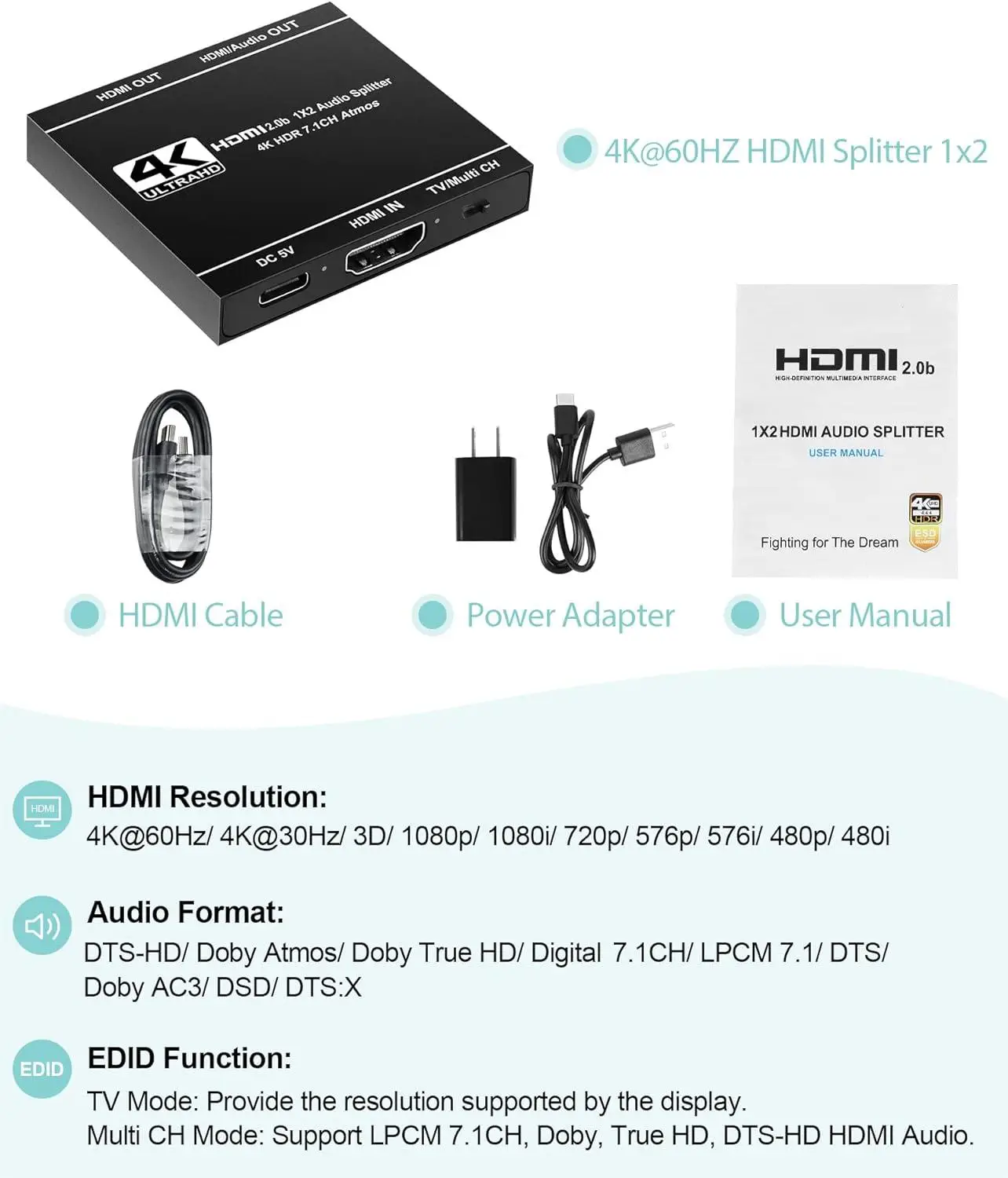
1. 4K 60Hz 1x2 HDMI Splitter x 1
2. High Quality HDMI Cable x 1
3. 5V 1A Power Adapter x 1
4. User Manual x 1
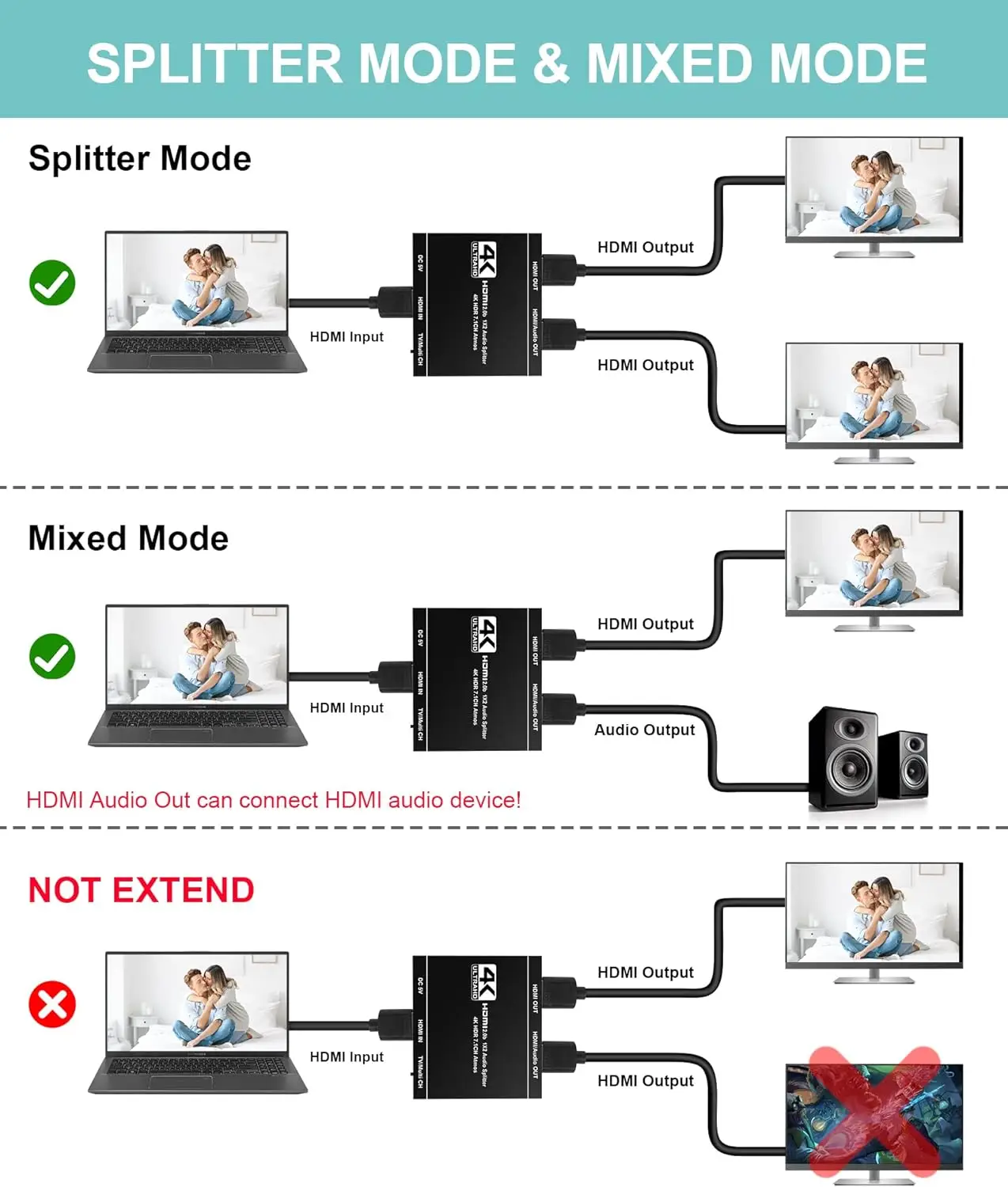
A. Splitter Mirror Mode
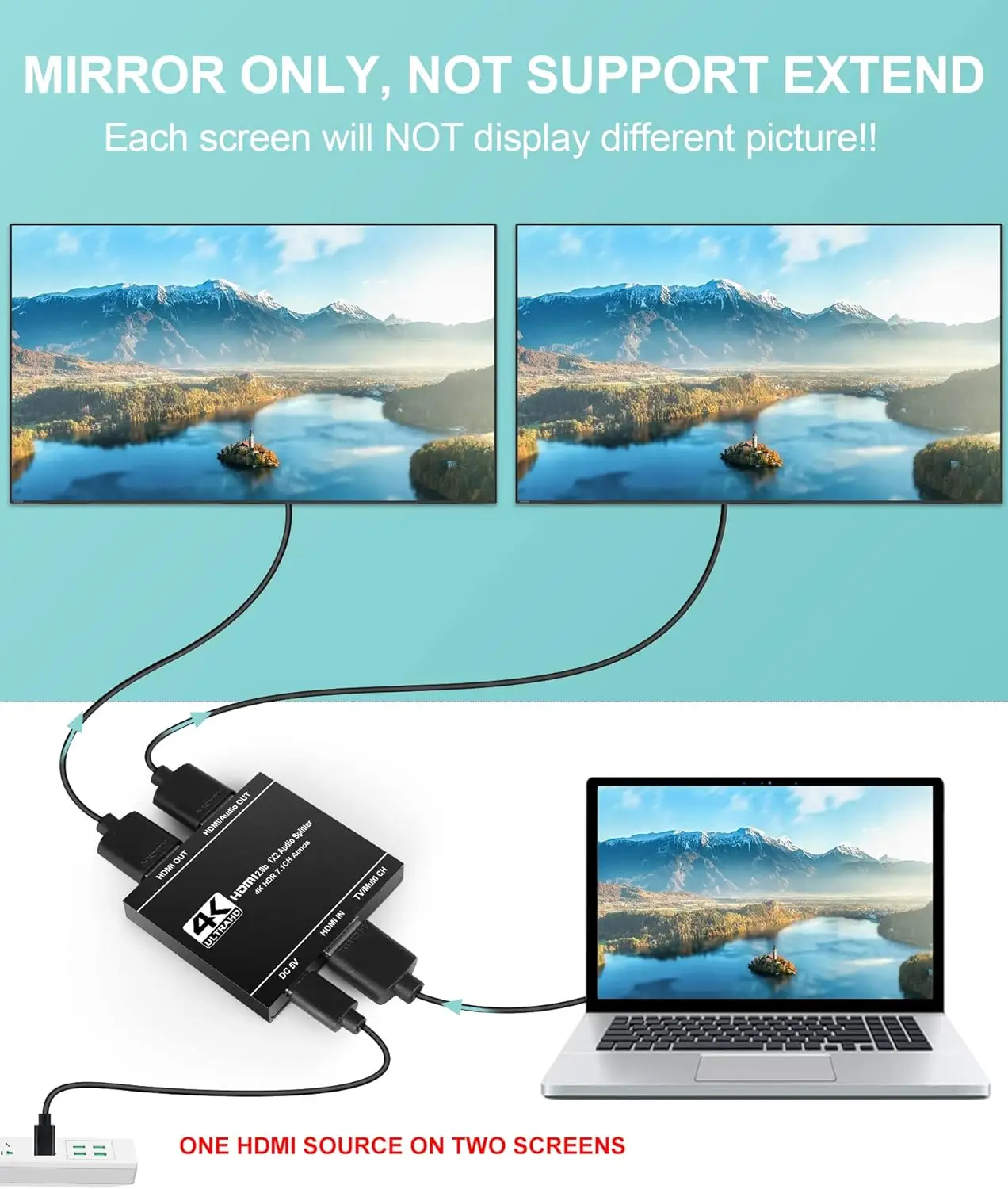
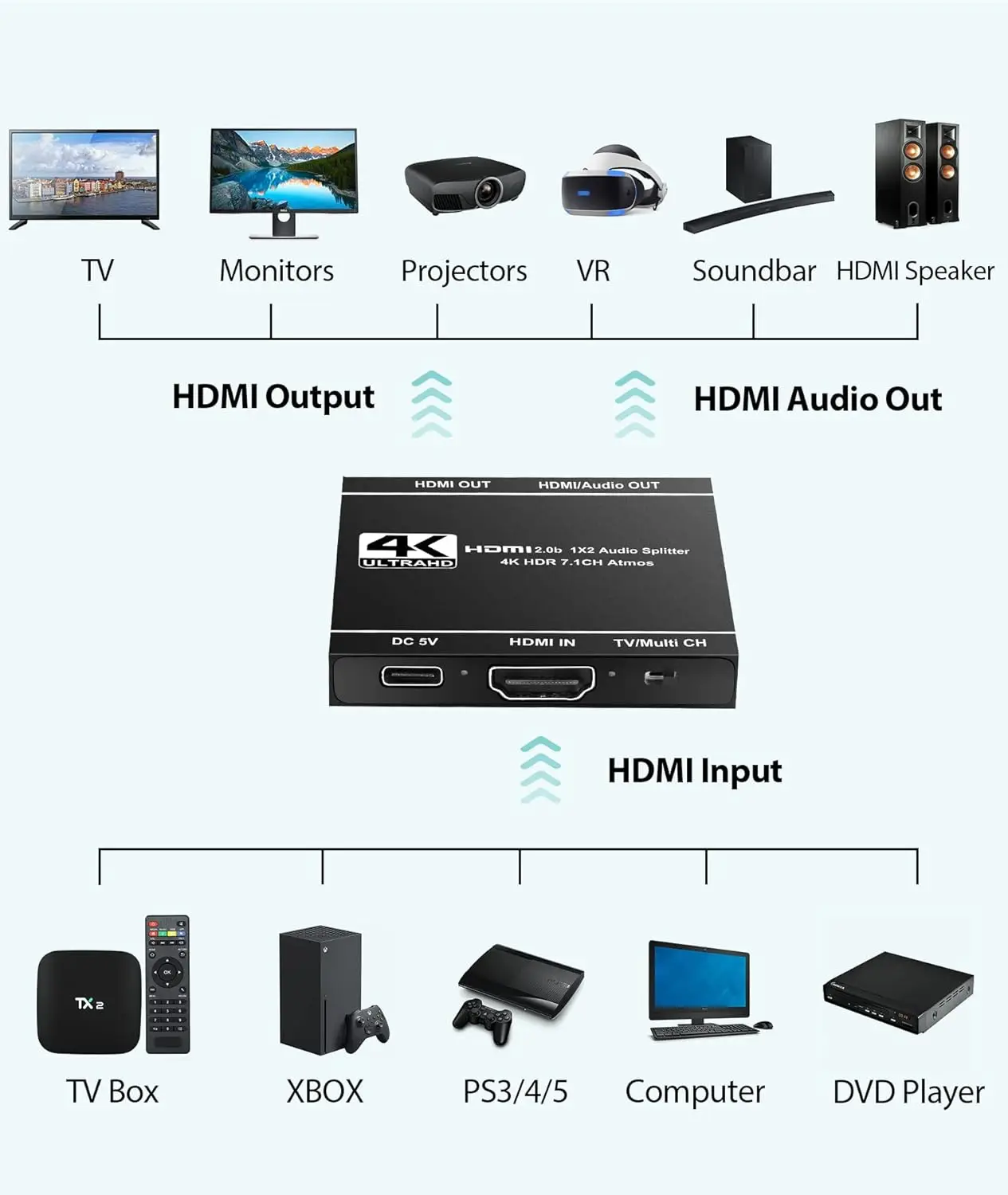
Display two large screens more easily by simply connecting one HDMI input source and two HDMI output monitors.
1. The resolution of two HDMI output displays are the same.
- a. If the input source is 4k@60hz and both output devices all support 4k@60hz, then both outputs will display 4k@60hz when using our product.
- b. If the input source is 4k@60hz, but output 1 supports up to 4k@30hz and output 2 supports up to 1080p, both outputs display 1080p. (It displays the lower resolution of two device)
2. Support mixed 4K@60Hz & 1080p display outputs (only fit for this situation). Auto video scaling/ downscaling function
- If one of your display support up to 4K@60Hz, the other display support up to 1080P, the second display will downscale to 1080P automatically. One of the display will shows 4K@60Hz resolution, the other one will shows 1080P resolution.
WHEN YOU USE THE FUNCTION OF AUTO VIDEO SCALING / DOWNSCALING, PLEASE NOTE:
- Auto video scaling / downscaling function doesn't support DVI monitor.
- Computer or the input source does not have automatic resolution, downgrade is not supported.
- As long as one display doesn't support HDR, Dobly Atmos, Dobly Vision, etc., it can't be downgraded. Also, Hertz (HZ) will not change either.
B. Audio Mixed Mode
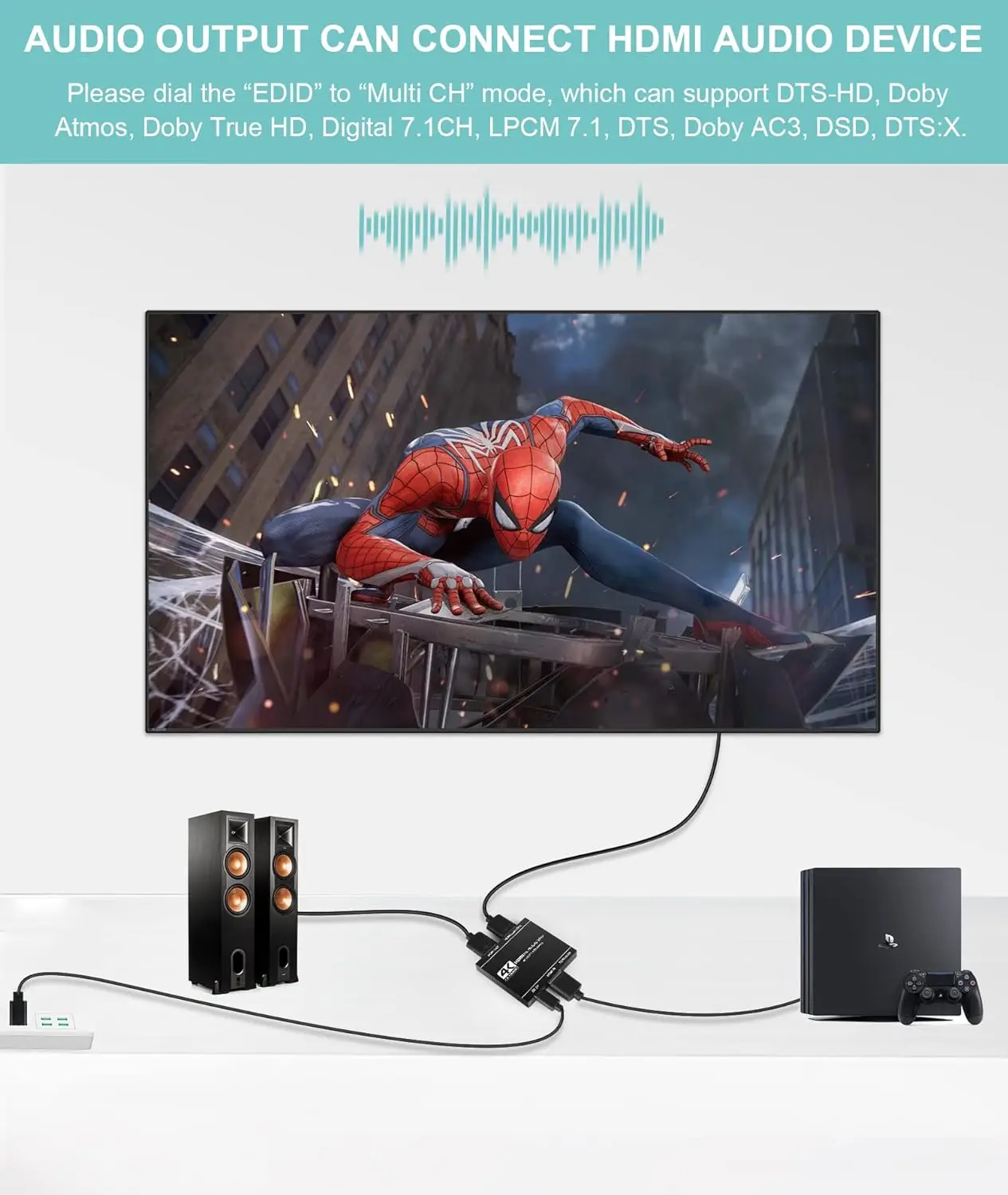
Enjoy home theater atmosphere at the same time by connecting the HDMI audio device only on the HDMI/Audio output port. When you connect HDMI audio device, please dial the EDID on to "Multi CH" mode. (Don’t connect with the HDMI ARC port of the soundbar)





.svg)
